

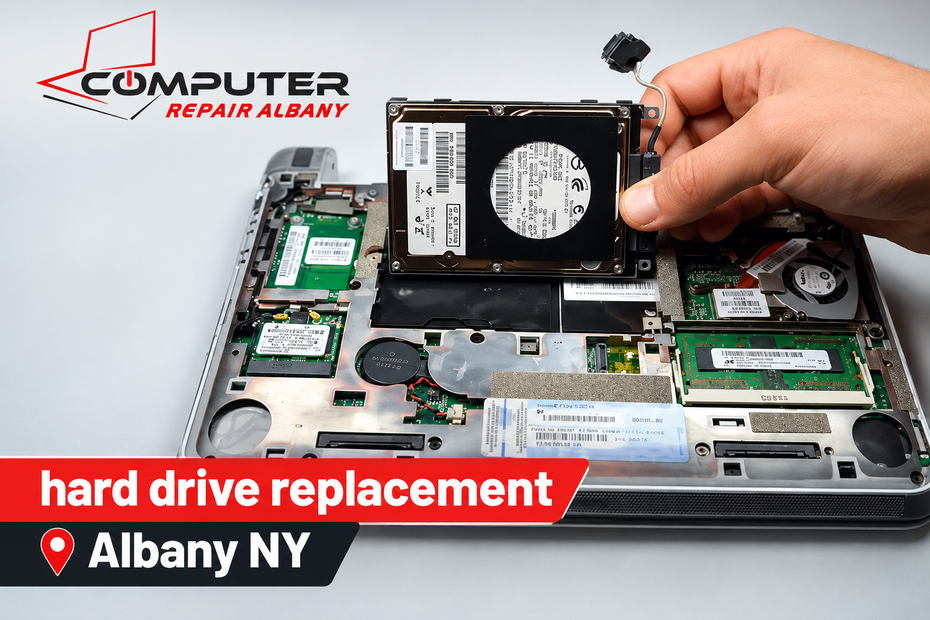
When your computer starts running slowly, freezes, or refuses to start, a damaged hard drive could be the problem. Before spending money on a new device, consider whether hard drive replacement Albany NY services could restore your computer at a lower cost. The right decision depends on the computer’s age, condition, storage type, and repair needs.
Replacing a faulty drive can help you keep a computer that still works well. However, buying a new computer may make more sense if several components are failing or your current device cannot handle your daily tasks. This guide explains the costs, warning signs, upgrade options, and important factors to consider before making your decision.
1. Hard Drive Replacement Cost in Albany, NY
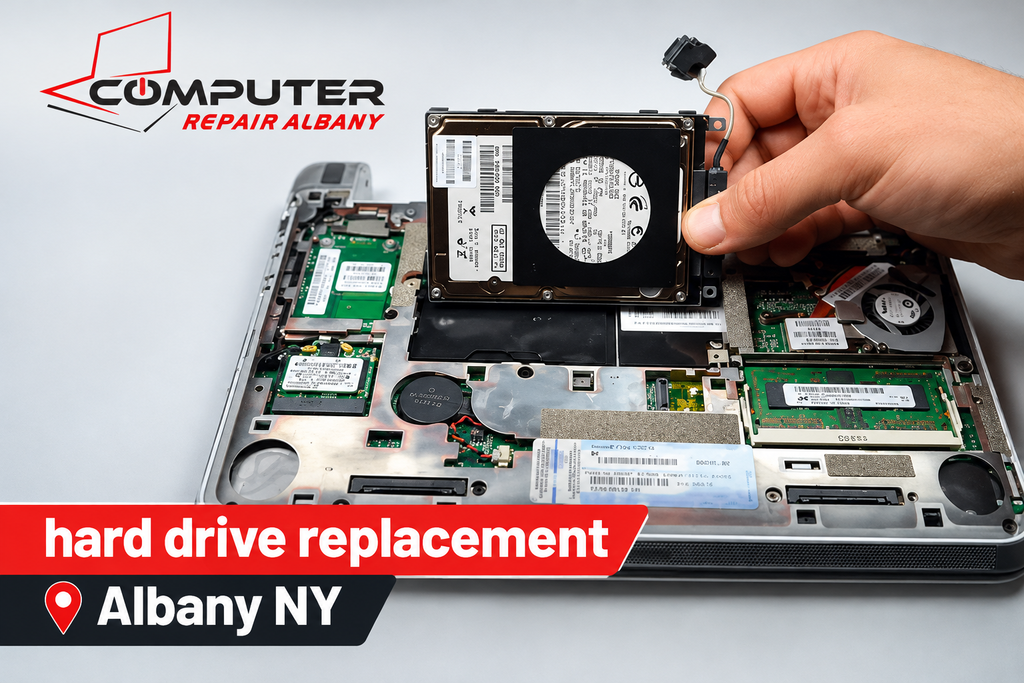
The hard drive replacement cost Albany, NY customers pay depends on the type of drive, the computer model, and the amount of work required. A standard hard drive may cost less than a high-capacity solid-state drive. Labor, operating system installation, and file transfer can also affect the final bill.
Before approving a repair, ask for a clear estimate that explains the parts and services included. Understanding the hard drive replacement price helps you compare repair costs with the price of a new computer. A written estimate also reduces the chance of unexpected charges after the work begins.
Factors That Affect Replacement Costs
Several factors can change the total cost of replacing a drive:
- Drive type: Traditional HDDs and SSDs have different prices and performance levels.
- Storage capacity: Larger drives may cost more than smaller models.
- Computer design: Some laptops require more disassembly than desktop computers.
- Data transfer: Moving files from an old drive may add time and labor.
- Operating system setup: Installing and configuring software can affect the overall estimate.
The computer’s compatibility also matters. Not every drive fits every device, so a technician should check the connection type, physical size, and supported storage capacity before recommending a replacement.
Laptop vs. Desktop Replacement
The laptop hard drive replacement Albany NY customers need may involve careful disassembly because manufacturers use different internal layouts. Some laptops provide easy access to storage, while others require removing several components. The exact design affects labor time and repair complexity.
A desktop hard drive replacement in Albany, NY repair may be more straightforward because desktop cases often provide more room to work. However, older computers can still have compatibility issues or cable problems. Ask for an estimate based on your actual computer rather than assuming every replacement costs the same.
2. When Hard Drive Repair Makes Financial Sense
A computer hard drive replacement Albany service may be a sensible choice when the rest of your computer remains reliable. If the processor, memory, screen, keyboard, and motherboard still meet your needs, replacing one failed component may cost less than buying an entirely new device.
The key question is whether the drive is the main source of trouble. A computer that otherwise performs well may benefit significantly from hard drive repair Albany NY services, although a physically damaged drive often needs replacement rather than repair. Proper diagnosis helps identify the real problem before you spend money.
Your Computer Still Performs Well
Think about how you use your computer every day. If it handles browsing, email, documents, video calls, and your usual programs without difficulty, replacing the drive could extend its useful life. You may not need a new machine simply because the storage device has failed.
A repair can also save you the time required to set up a completely different computer. You may be able to keep your existing monitor, accessories, and familiar workspace. Before choosing computer repair in Albany NY, however, make sure the computer supports the operating system and applications you need.
When Is Replacing a Drive Worth It?
Many owners ask, is it worth replacing a hard drive when their computers begin showing problems? The answer usually depends on the cost of repair compared with the value and expected remaining life of the device. A relatively inexpensive repair can make sense if it restores dependable performance.
Consider replacement when the computer has no other major faults, and the repair estimate fits your budget. If the device needs several expensive repairs, the calculation changes. Compare the computer repair cost Albany NY estimate with the cost of a suitable replacement computer before making your final choice.
3. When Buying a New Computer Is Better
Sometimes, it makes more sense to replace hard drive or buy a new computer rather than invest more money in an aging device. A new drive cannot fix a failing motherboard, damaged display, weak battery, or outdated processor. If several components need attention, repair costs can add up quickly.
Compare the new computer cost vs. repair cost by looking beyond the immediate bill. Consider how long the repaired computer is likely to remain useful, whether it supports current software, and whether it meets your performance requirements. Paying less today does not always provide the best long-term value.
Multiple Components Have Problems
Imagine that your computer needs a new drive, a battery, and a keyboard. Each repair may seem manageable on its own, but together they could cost a substantial amount. In this situation, computer repair vs. replacement becomes a more important financial decision.
A new computer may offer better reliability, longer battery life, improved performance, and updated connectivity. Still, do not replace a working device automatically. Ask a technician to identify which parts actually need attention and compare the total estimate with the price of a suitable new model.
Consider Age and Software Support
Knowing when to replace an old computer requires more than checking its age. A well-maintained computer may remain useful for years, while a newer device with serious hardware problems may need replacement sooner. Your workload, software requirements, and budget all matter.
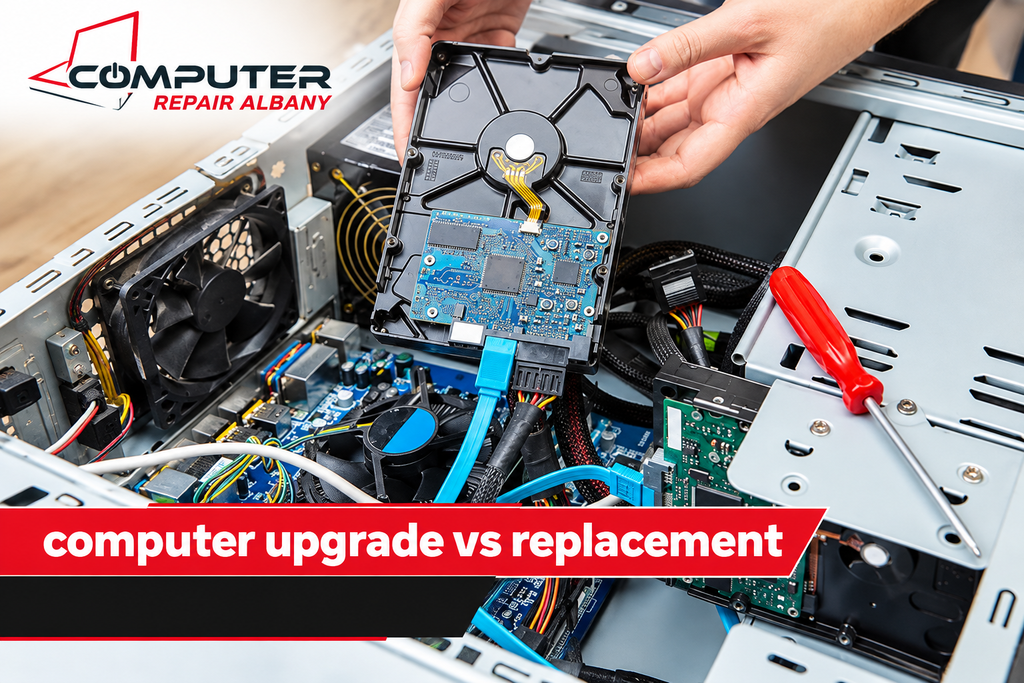
Check whether your computer can run a currently supported operating system and the applications you use. If it cannot meet essential security or compatibility requirements, a drive replacement alone will not solve that problem. Think of computer upgrade vs replacement as a complete decision about performance, safety, and future usefulness.
4. Hard Drive vs New Computer: Compare the Total Cost
The hard drive vs new computer decision becomes easier when you compare the complete cost of both options. A replacement drive may appear inexpensive, but installation, operating system setup, and data recovery can increase the bill. A new computer may cost more upfront but provide several improvements at once.
The goal is to determine whether repairing your current device offers enough value. When deciding whether to repair an old laptop or buy a new one, include any additional repairs, expected lifespan, and the cost of moving your files. A simple side-by-side comparison can help you avoid spending money on the wrong solution.
Compare Both Options Carefully
Use this table as a planning guide. Actual prices vary by computer model, parts, labor, and local service rates, so obtain current estimates before publishing or relying on specific amounts.
| Factor | Replace the Drive | Buy a New Computer |
| Initial spending | Often lower | Usually higher |
| Existing hardware | Keeps working components | Replaces the entire device |
| Performance | May improve with an SSD | Depends on the new model |
| File transfer | May be possible from the old drive | Usually requires migration |
| Setup | May need an OS reinstall | May require a fresh setup |
| Long-term value | Good if the computer remains reliable | Good if the old device is outdated |
Look Beyond the Initial Price
The cost to replace a computer hard drive is only one part of the decision. You should also consider whether your computer needs extra memory, a battery, or other repairs. If these additional expenses are small, repairing it may still offer good value.
On the other hand, computer repair estimates Albany, NY customers receive should be compared with the full cost of a replacement, including any accessories or software they need. Do not judge a repair solely by its price. Consider how well the finished computer will meet your needs over the next few years.
5. HDD vs SSD: Is an Upgrade Worth It?
An SSD upgrade Albany, NY computer owners consider can make an older machine feel much more responsive when its previous drive was the main performance bottleneck. SSDs generally load operating systems and applications faster than traditional mechanical hard drives. They also have no spinning platters or moving read/write heads.
Understanding HDD vs SSD replacement options helps you select the right storage device. An SSD may improve startup times, file access, and general responsiveness, but it will not automatically fix every slow-computer problem. Low memory, overheating, malware, or an aging processor can also affect performance.
Why an SSD Can Improve Performance
Traditional HDDs store data on spinning disks, while SSDs use flash memory. Because SSDs access data electronically, they usually perform everyday storage tasks faster. This difference can be noticeable when starting a computer, opening applications, or loading large files.
A compatible solid-state drive installation Albany service can help extend the life of a computer that still has capable hardware. Before upgrading, check the supported drive type, connection, and available capacity. Choose enough storage for your operating system, programs, and personal files rather than focusing only on the lowest price.
Compare an SSD Upgrade With a New PC
An SSD upgrade vs new computer decision depends on what is holding your current machine back. If the computer has enough memory and processing power for your work, upgrading storage may be a practical alternative to replacement. The improvement can be especially noticeable on older computers that still use mechanical drives.
However, the laptop SSD replacement cost is only worthwhile if the computer supports the upgrade and its other components remain dependable. If the processor is too slow for your work or the operating system is no longer supported, a new computer may be the better investment. Ask for a compatibility check before purchasing a drive.
6. Hard Drive Failure Symptoms You Should Never Ignore
Recognizing hard drive failure symptoms early may help you protect important files and avoid further trouble. A failing drive can cause freezes, slow file access, missing folders, or unexpected error messages. Some drives also make unusual clicking or grinding sounds, although not every failing drive produces noise.
Pay attention to repeated problems rather than assuming they will disappear. Common signs of a failing hard drive include files that suddenly become inaccessible, frequent read errors, and a computer that struggles to start. If the drive contains important information, prioritize protecting your data before attempting repairs or reinstallations.
Common Warning Signs
Watch for these problems:
- The computer takes much longer than usual to start.
- Files disappear or become difficult to open.
- The system freezes while reading or saving data.
- Error messages report disk or storage problems.
- A mechanical drive produces unusual clicking sounds.
A computer running slow hard drive problem is possible, but slowness alone does not prove that the drive is failing. Background programs, low memory, and software issues can cause similar symptoms. A proper diagnosis helps determine whether the storage device needs replacement or another component needs attention.
What If the Computer Cannot Detect the Drive?
When a computer hard drive not detected message appears, the cause may be a failed drive, loose connection, damaged cable, or storage controller issue. Avoid assuming that the drive is permanently damaged until the problem has been checked. If the drive contains valuable data, repeated troubleshooting may not be the safest first step.
For serious laptop hard drive failure repair needs, a technician can check the connection and assess the drive’s condition. If the device makes unusual noises or repeatedly disconnects, stop using it when possible and seek professional advice. Continued attempts to access a failing drive may worsen damage and reduce the chance of recovering files.
7. Protect Your Files During Hard Drive Replacement
Before arranging computer data recovery Albany NY services, decide how important the information on your existing drive is. Family photos, business records, school assignments, and saved documents may be more valuable than the computer itself. If you have a current backup, restoring your files may be much simpler.
If no backup exists, data recovery from a failed hard drive may be possible, depending on the type and severity of damage. Recovery is never guaranteed. A physically damaged drive may require specialized equipment, so avoid opening it yourself or trying random recovery methods when the information is important.
Data Transfer and Drive Cloning
A hard drive replacement with data transfer may allow you to move personal files from an old drive to a new one when the original drive remains readable. Depending on the computer and software, you may also be able to migrate the operating system and applications. Ask which items the service includes.
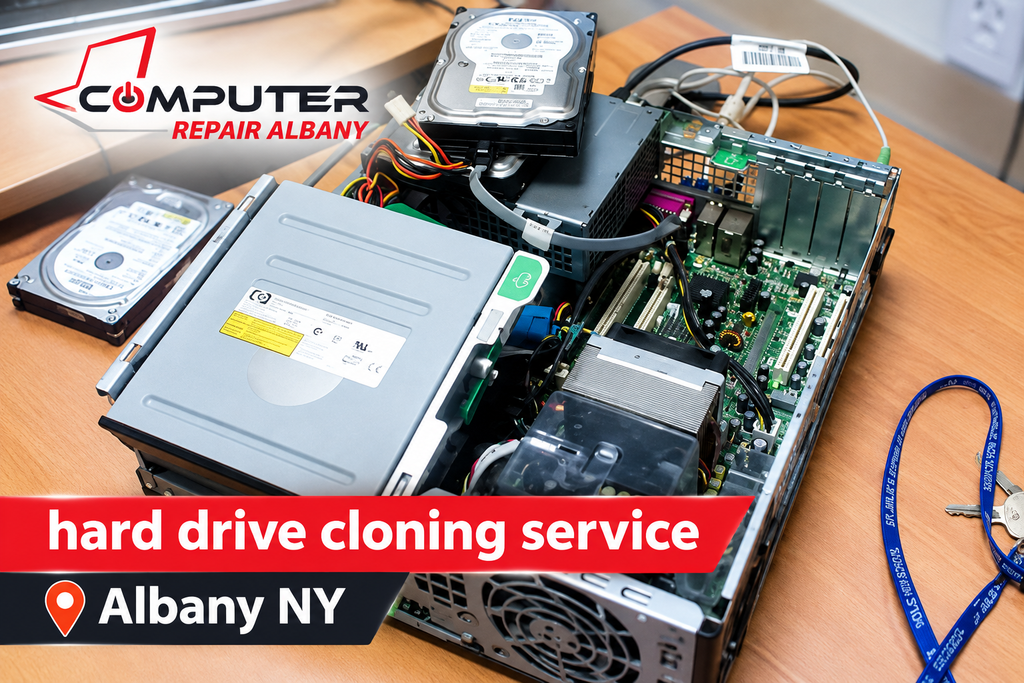
A hard drive cloning service Albany NY customers request can create a copy of a drive onto another compatible device. Cloning works best when the source drive can still be read reliably, but it may fail if the drive has serious damage. Make sure you understand whether the service includes file verification and what happens if the old drive cannot be cloned.
Back Up Important Information
Before a planned upgrade, save important files to a separate external drive or a trusted cloud backup. Confirm that the backup contains the folders you need and that you can open a few sample files. A backup is useful only when the stored information can actually be restored.
If your drive is already failing, avoid repeatedly restarting the computer or running unnecessary repair utilities. Discuss the risks with a technician before proceeding. Good preparation reduces the chance of losing important information during a replacement or a move to a new computer.
8. How Long Does Hard Drive Replacement Take?
The time needed for hard drive installation service Albany, NY customers request depends on the computer design, replacement part, and work involved. Physically installing a compatible drive may be relatively quick, but the complete service can take longer if it includes operating system installation, updates, file transfers, and testing.
When asking how long a hard drive replacement takes, explain whether you need files recovered or applications restored. A straightforward replacement may take less time than a job involving a failing source drive or a large amount of data. Ask for an estimated turnaround rather than relying on a fixed promise.
What Can Delay the Repair?
Several issues can increase the time required:
- The correct replacement drive is not immediately available.
- The laptop requires extensive disassembly.
- The operating system needs a fresh installation.
- The old drive contains data that must be recovered.
- Additional hardware problems appear during testing.
After installation, the technician should check that the computer starts properly and recognizes the new storage device. They may also test basic functions and confirm that any transferred files are accessible. This final check helps catch problems before you begin using the computer again.
9. Finding Affordable Computer Repair in Albany
When looking for affordable computer repair Albany NY services, focus on clear pricing and a proper diagnosis rather than choosing only the cheapest offer. A reliable repair process should explain the problem, outline the available options, and help you understand whether replacement or repair offers better value.
A local computer repair technician Albany, NY residents consult should also explain compatibility, data protection, and any limits on recovery. Ask whether the estimate includes labor, installation, operating system setup, and file transfer. These details help you compare quotes fairly and understand what you will receive.
Questions to Ask Before Approving a Repair
Before agreeing to a service, ask:
- What caused the storage problem?
- Is replacement necessary, or could another fault be responsible?
- Which drive type and capacity do you recommend?
- Is labor included in the estimate?
- Can my existing files be transferred?
- Is there a warranty on the replacement part or labor?
These questions are useful when comparing computer repair services near Albany NY. Clear answers can help you avoid unnecessary upgrades and make a better-informed decision. Keep a copy of the estimate so you can compare the recommended repair with the price of a replacement computer.
Choose a Solution That Fits Your Needs
A good repair decision should reflect your actual use. Someone who mainly browses the internet and writes documents may not need an expensive new computer if a drive replacement solves the problem. A person who uses demanding software may benefit more from a newer machine with stronger hardware.
If you need computer hardware replacement Albany NY services, explain your budget and the tasks your computer must handle. You can also visit ComputerRepairAlbany.net to learn more about available computer repair options. Request an estimate before committing so you can compare the repair with other practical choices.
10. Final Verdict: Repair or Replace Your Computer?
For many computer owners, hard drive replacement Albany NY services can be a cost-effective option when the storage device is the main problem and the rest of the computer remains dependable. A compatible SSD may provide a useful performance boost without the expense of replacing the entire system. The best choice depends on the condition of your hardware and the work you need to do.
Before deciding, compare the full repair estimate with the price of a suitable new computer. Consider software support, data recovery, expected lifespan, and any additional repairs. If the computer remains reliable, replacing the drive may be enough. If several components are failing or the system no longer meets your needs, buying a new device may offer better long-term value.
Frequently Asked Questions
How Much Does Hard Drive Replacement Cost?
The price depends on the drive type, storage capacity, labor, and whether you need software installation or data transfer. Request an estimate based on your computer model before approving the work.
Is It Cheaper to Replace a Hard Drive or Buy a New Computer?
Replacing the drive is often less expensive when the rest of the computer works well. A new computer may be a better choice when the current device has several hardware problems or cannot support your required software.
Can I Replace an HDD With an SSD?
Many computers support this upgrade, but compatibility depends on the device’s connections and storage specifications. Check the supported drive type before buying an SSD.
Will I Lose My Files When Replacing a Hard Drive?
Your files may remain accessible if the original drive still works, but transferring them is not always possible. Back up important information before a planned replacement, and seek professional advice if the drive is failing.
How Do I Know If My Computer Needs a New Hard Drive?
Frequent disk errors, missing files, unusual mechanical noises, and startup problems can indicate a failing drive. These symptoms can have other causes, so a proper diagnosis is the safest way to identify the problem.